
← Blog
Solution

Never Forget a Task: 'Lock Screen To-Do - Remember' v1.0.3 Released

IT-Now · September 12, 2026

Have you ever forgotten an important task or appointment during a busy day? Even when using task management apps, opening the app itself often gets forgotten in the heat of the moment, disrupting your priorities. On top of that, dealing with confusing initial permission setups in a new app only adds unwanted friction.
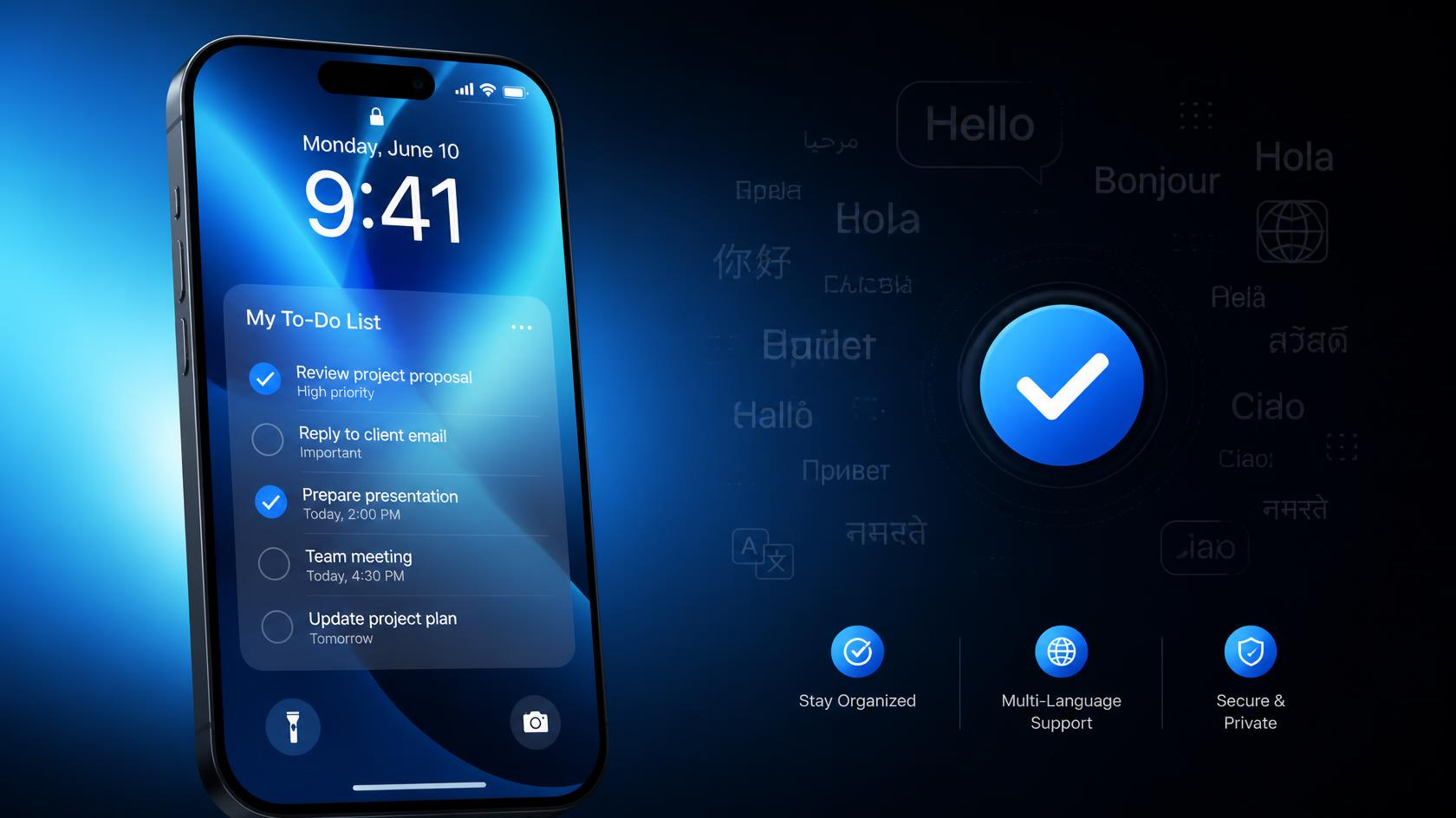
Smartphone Task Background

'Lock Screen To-Do - Remember' acts as your reliable guide to protecting your memory and productivity. By displaying your essential to-dos right on the lock screen the moment you wake up your phone, it ensures you naturally stay on top of your day without extra effort.

Our v1.0.3 update introduces key improvements to make your routine even smoother:

Expanded Multilingual Support: Now supporting a wider range of languages so you can seamlessly organize your life in your preferred language.

Streamlined Onboarding Guide: Added an intuitive setup screen on the first launch to guide you through necessary permissions seamlessly without navigating complex menus.

Stop stressing over forgotten tasks. Update to v1.0.3 today, set up your permissions in seconds, and experience a clear, stress-free day right from your lock screen!

Related posts

Ending Website Build Confusion: How Energy Nexus Co., Ltd. Built a Solid Business Foundation with Claude, GitHub Pages, and Google Workspace

This case story highlights the creation of a tailored landing page and back-office environment for Energy Nexus Co., Ltd. By identifying the customer's pain points—excessive development costs and complex infrastructure—we presented a 3-step plan using Claude-assisted development, free GitHub Pages hosting, and Google Workspace integration. This enabled the client to effortlessly focus on their core business strategy.

Complete Guide: Creating Google Workspace Email Aliases & Gmail Filter Automation

Concept: Email aliases allow up to 30 secondary addresses per user for free, directing emails from department addresses (e.g., info@, sales@) straight to a single primary inbox. How to Add: Admins can add aliases under Directory > Users within the Google Admin Console (admin.google.com). Auto-Sorting via Gmail Filters: Create a new label. Open search options in Gmail, enter the alias address in the To field, and click Create filter. Select Skip the Inbox (Archive) and Apply the label to sort incoming messages automatically. Sending/Replying from Alias: Go to Gmail Settings > Accounts, select Add another email address, and check "Reply from the same address the message was sent to". Key Notes: Alias addresses cannot be used to log in to Google accounts. For team-wide email sharing, Google Groups is recommended instead.

Summary of Key AI-Related News for September 11, 2026

Key IT Headlines