 IT-Now
Differences and Pain Points Between UI and UX
IT-Now · September 5, 2026
Differences and Similarities Between UI and UX: Why They Are Essential—Insights from Second-Half 2026 Trends
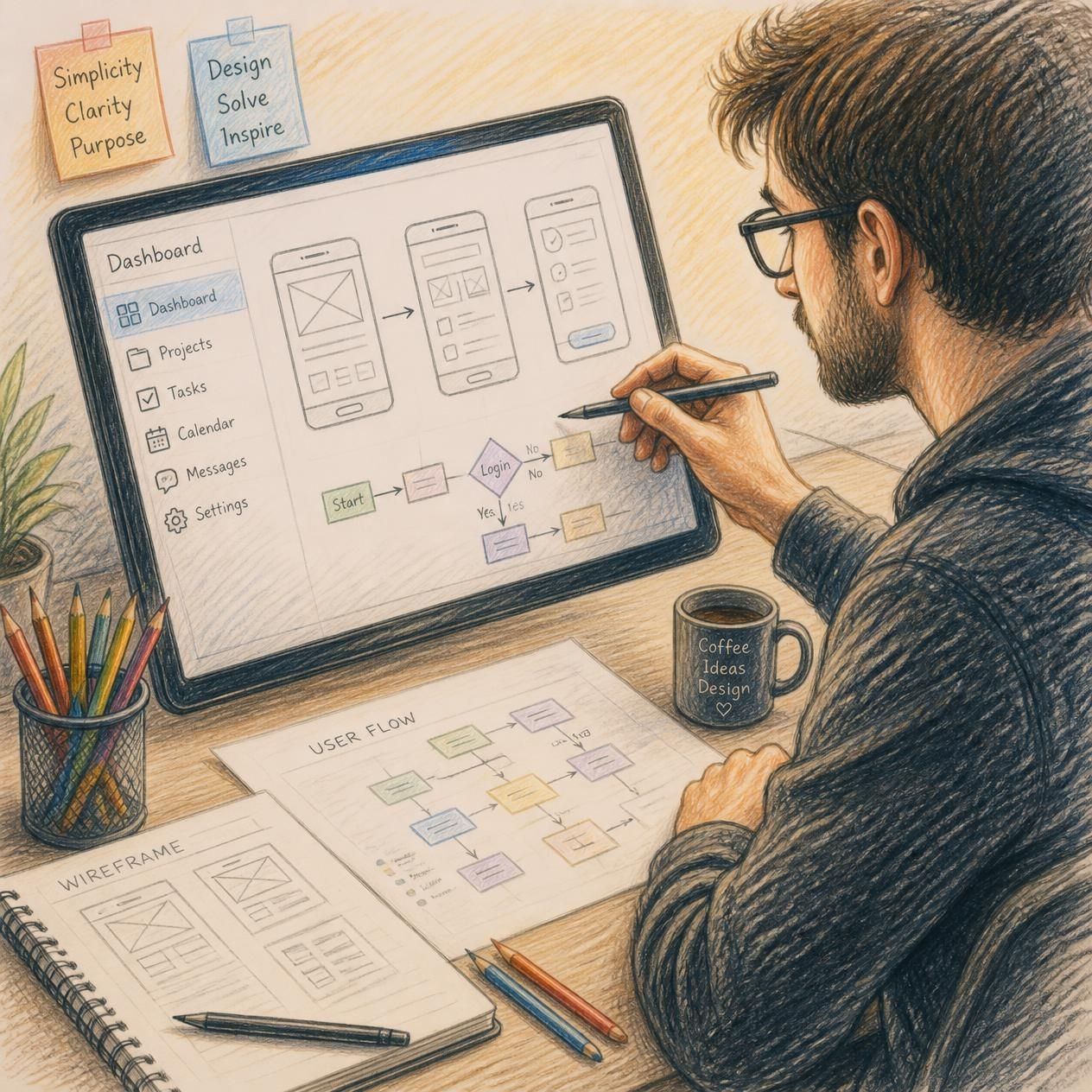
When running a business or planning a new digital service, the question often arises: "Which is more important—UI or UX?" To put it simply, these are not concepts that can be ranked against one another. UI and UX are like the two wheels of a single digital product; if either one is flawed, the business cannot move forward and will simply spin in place.
In the IT market of the second half of 2026—an era defined by the mainstream adoption of generative AI and spatial computing—clearly understanding the differences and similarities between UI and UX has become more critical than ever. Even if you create a stunning interface that catches the eye, users will abandon the app within seconds if it is too complex to use. Conversely, if the structure is flawless but the visual appeal is lacking, users may not even give it a chance. So, how should these two concepts be combined to maximize business results? Let’s explore this step-by-step, starting with basic definitions and moving toward insights based on the latest trends.
While UI (User Interface) and UX (User Experience) may seem similar, they occupy distinct and unique domains.
- UI (User Interface): Refers to all the visual elements a user encounters when interacting with a digital product. It encompasses visible, aesthetic aspects such as button colors, typography, layout, icon design, and screen transition animations.
- UX (User Experience): Refers to the intuitive and emotional experiences a user has from the moment they encounter the product until they achieve their goal. It covers the entire user journey, including factors like search speed, the simplicity of the sign-up process, and the ease of finding desired information. To use an architectural analogy, UX corresponds to the blueprints that design a building's flow and structure, while UI corresponds to the interior design and finishing materials that fill that space. The differences and commonalities between the two roles can be summarized as follows:
| Category | UI (User Interface) | UX (User Experience) |
|---|---|---|
| Primary Goal | Visual appeal and interaction quality | Problem-solving and ease of use |
| Key Tasks | Color palettes, layout, graphic composition | Research, wireframing, user journey mapping |
| Approach | Sensory and design-oriented | Analytical and research-oriented |
| Commonality | User-Centric Thinking: Both aim for user satisfaction and high conversion rates |
Ultimately, accurately grasping the differences and commonalities between UI and UX is akin to building the foundational capability to seamlessly integrate technical functionality with visual excellence.
As of the second half of 2026, the digital landscape has entered an era where artificial intelligence actively reconfigures interfaces. We have moved beyond merely creating "attractive screens" or ensuring "smooth clicks"; there is now a demand for next-generation UX/UI strategies that predict user contexts in real time.
1. Key UI/UX Trends (Second Half of 2026)
- AI-Driven Adaptive Interfaces (Generative UI): Screen UI layouts change in real time by analyzing user behavioral data, time of day, and even emotional states.
- Ambient UX and Minimalism: "Stealth UI" designs—which remain hidden during normal use and appear intuitively only when needed—are gaining attention as a way to reduce users' cognitive load. * 3D Haptic Interaction and Spatial Computing: As VR and AR devices become mainstream, micro-interactions—which convey a sense of depth and textures mimicking real-world objects—have become increasingly sophisticated.
2. Business Reasons Why These Two Must Be Leveraged Together
- Increased Dwell Time and Conversion Rates: Even a service with a superior algorithm will fail to gain trust and suffer user churn if the UI is poor. You must attract users through visual appeal (UI) and guide them toward the ultimate goal—such as a purchase or subscription—via a seamless user flow (UX).
- Reduced Development and Maintenance Costs: Thorough UX research and the establishment of a UI design system during the initial planning phase minimize the need for major revisions post-launch, thereby dramatically saving time and budget.
In conclusion, UI and UX are not separate concepts but rather a single ecosystem that constantly interacts to create high-quality digital experiences. While UI delights the user's eyes and shapes the brand's first impression, UX captures the user's heart and keeps them engaged with the service.
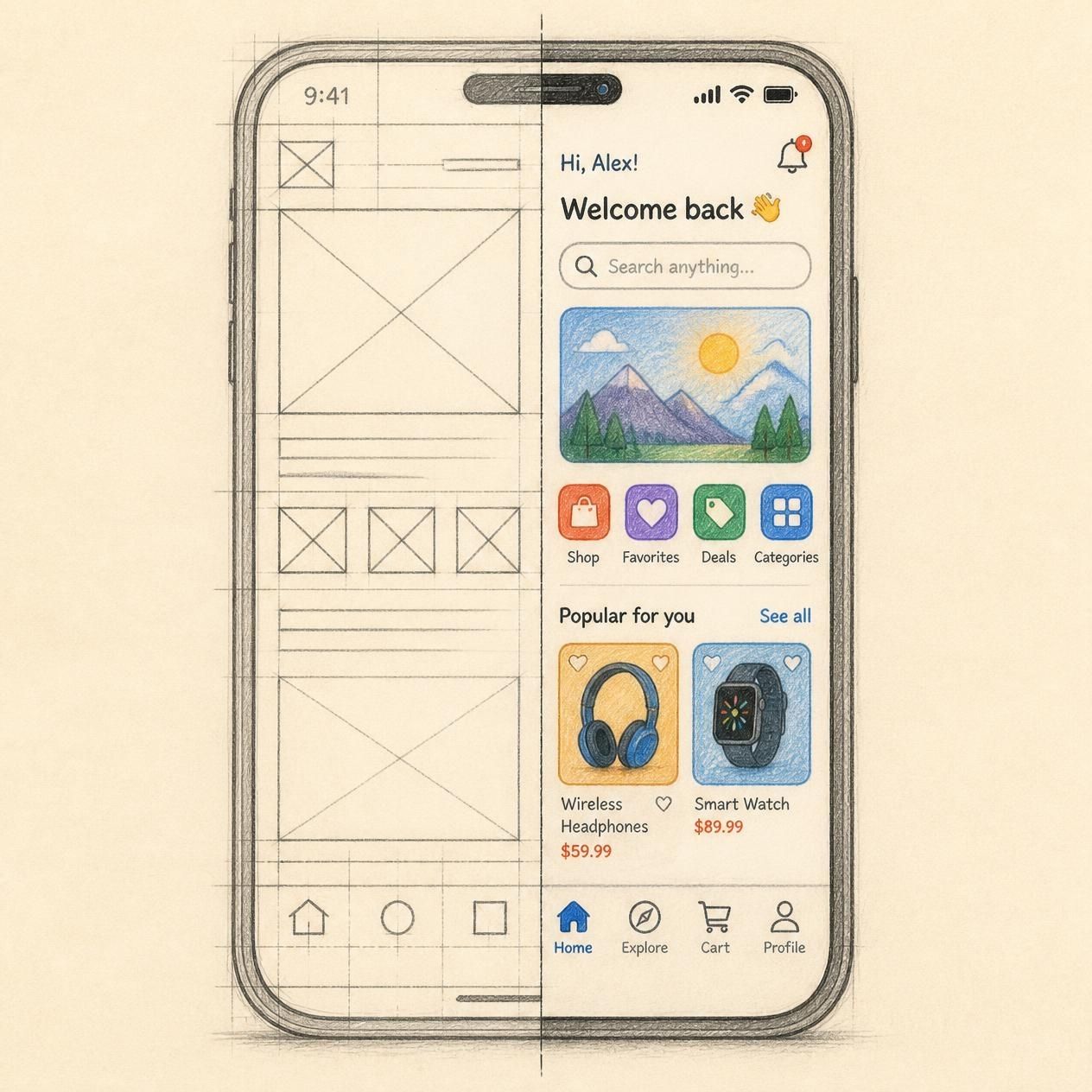
To survive in the market trends of late 2026, you must move beyond static design paradigms. Actively adopt AI-driven UX design that interprets individual user contexts and integrate it with a UI strategy that conveys this information transparently and intuitively. Achieving a perfect balance between these two areas will secure a powerful competitive edge for your business. Why not use the key elements outlined today as a checklist to take your digital product to the next level?